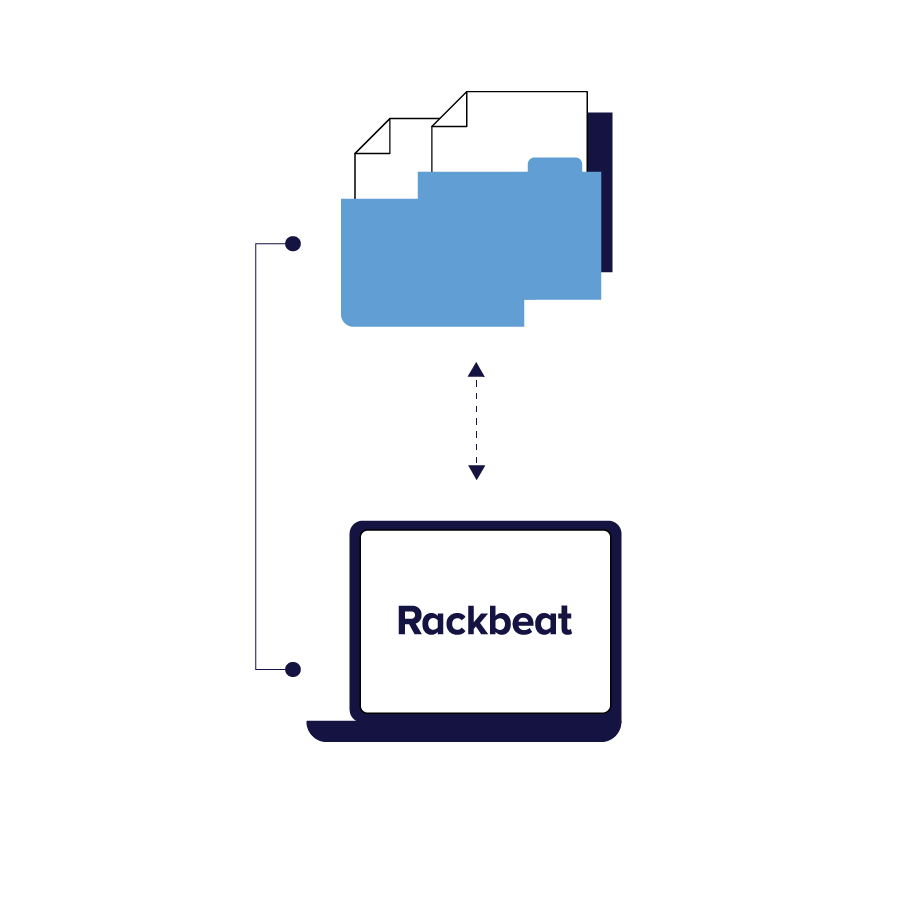
Webhooks make it possible to send information automatically as soon as a change happens in Rackbeat. This means your integrations can react immediately — for example, when a product is created or updated, or when customer or supplier data changes.
Overview of what is being sent
In Rackbeat, you can see all your webhooks in one place, with information about which integration they are connected to, which event the webhook responds to, and whether it is active. This gives you better insight into how your integrations work in practice.
Faster troubleshooting and fewer interruptions in the flow
If something isn’t updated as expected, the webhook overview can help you find the cause. You can see whether data has been sent correctly and whether any errors occur, so you can act quickly and prevent small issues from turning into bigger problems.
Setup via integration and API
Webhooks are automatically created when Rackbeat integrations are active. If you want webhooks for external integrations, they must be set up via the API so they can be synchronized with your setup. This gives you the flexibility to tailor integrations to your business needs.