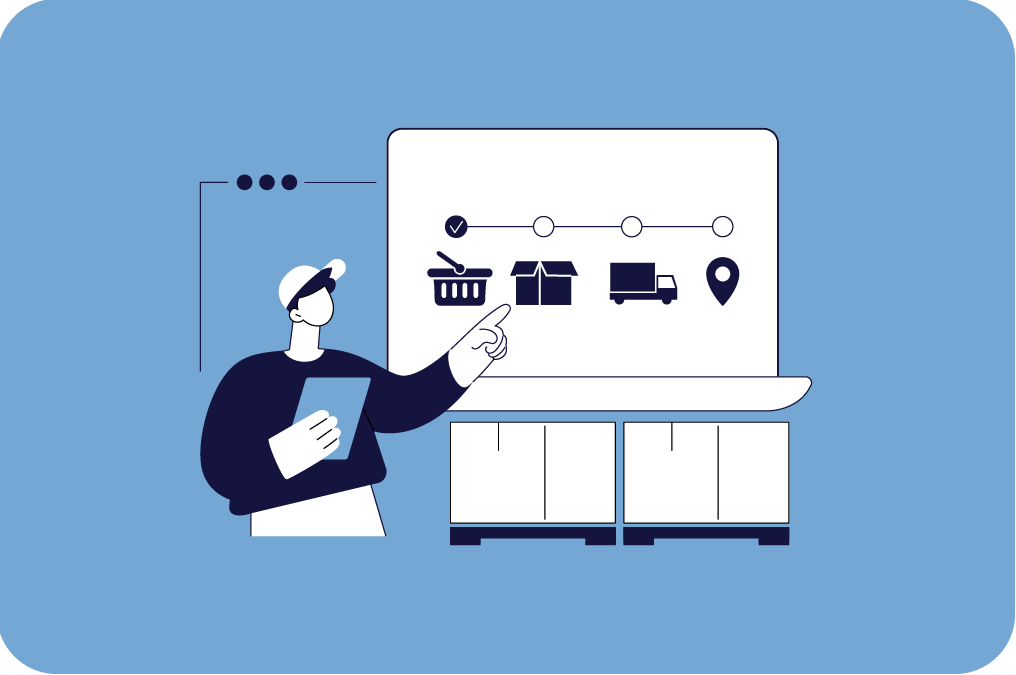
A purchase order is your digital order placed with a supplier. It can range from a few items to larger purchasing orders, where you can continuously:
1. see what has been ordered — and in what quantities
2. track delivery status
3. register goods receipt (fully or partially)
4. keep documentation and purchase history in one place
This way, purchasing becomes an active part of your inventory workflow — instead of something that lives in an inbox.
Flexible creation — so purchase orders fit your workflow
Not every business handles purchasing the same way. That’s why Rackbeat gives you multiple ways to create a purchase order, so you can choose the method that matches your processes:
1. Create a purchase order manually
Do you want full control and prefer creating purchase orders from scratch? You can easily create a new purchase order directly under Purchases, where you select a supplier and add order lines.
2. Order directly from your item overview
When reviewing your item list and noticing that a product needs restocking, you can create a purchase order directly from there — without jumping between different views in the system.
3. Create a purchase order from a sales order
Have you sold items but need components in order to deliver? You can create a purchase order based on a sales order, ensuring your purchasing aligns with actual demand and making your order handling more streamlined.
4. Reordering: Let your inventory tell you what you need
It can be difficult to get purchasing exactly right. Order too much and you tie up capital. Order too little and you risk backorders and unhappy customers.
With Rackbeat’s reordering logic, you can set a minimum stock level, so the system clearly shows when it’s time to restock — and you can create purchase orders without interrupting your workflow.