

















Production Orders

Få et klart overblik over, hvad dit lager reelt er værd – både samlet og ned på vareniveau. Med Rackbeats Lagerværdi-rapport kan du se din lagerbeholdnings værdi på et bestemt tidspunkt og filtrere på varer, varegrupper og lokationer, så du altid har beslutningsgrundlaget lige ved hånden.
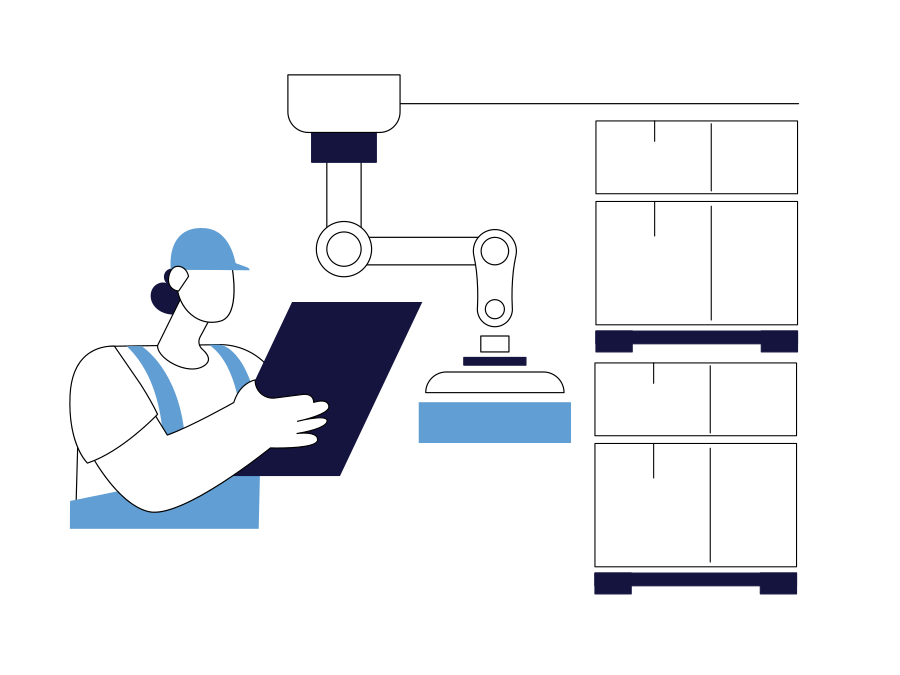
Production Orders
Cta Image

What is a production order in Rackbeat?

A production order is used when a finished product needs to be manufactured from several components — for example, an assembled item made up of multiple parts.

Production Orders in Rackbeat make it possible to:

1. combine production and inventory management in one workflow

2. stay in control of what is needed for production

3. ensure the finished product is added to inventory once production is registered

4. get a clear overview of what you have available throughout the process

Note: Production Orders are available on Premium plans, where you can work with bills of materials (BOMs) in production.

Get started with bills of materials

Before you can create a production order, you need a bill of materials (BOM) that defines:

– which components are included in the product
– how many are used per unit
– how the finished product is assembled

Once the BOM is in place, you can create a production order in just a few clicks.

Create and complete production — step by step

In Rackbeat, you can create a production order directly under Items > Production. When creating the order, you choose:

1. bill of materials (the product you want to produce)

2. quantity

3. optional customer or customer order (if the production is linked to a delivery)

When you’re ready, you can:

– Start production
– Register production when it is completed

This provides a clear workflow from planning to finished product.

Create a purchase order directly from a production order

Create a purchase order directly from a production order

Are you missing materials for production? Then you can create a purchase order directly from the production order, so you can quickly bring in the missing items.

This makes it easy to connect production and purchasing, without having to create manual lists or switch between systems.

The purchase order is created as a draft and can later be completed and sent to the supplier under Purchasing > Purchase Orders.