
















Barcodes

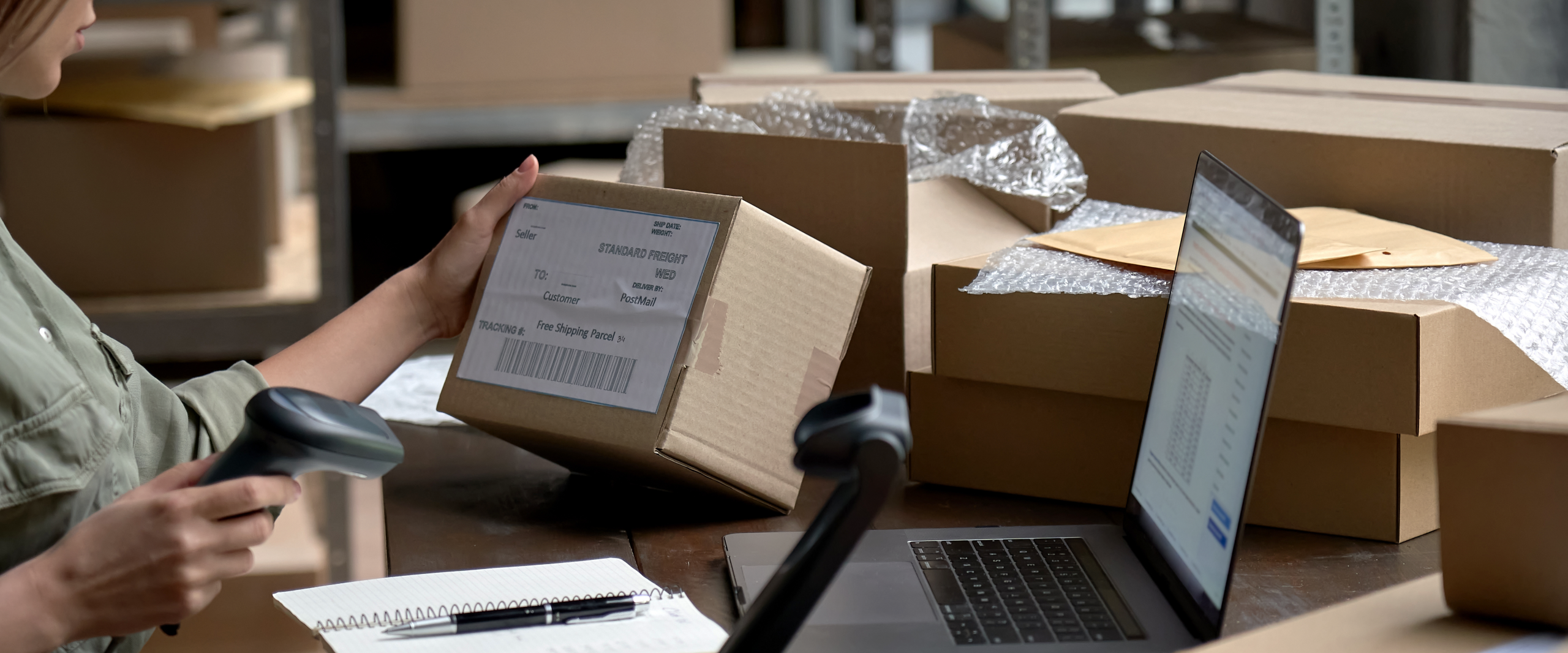
With barcodes in Rackbeat, you can work faster, more accurately, and with fewer errors in the warehouse. By linking your items to barcodes, you can easily scan them with a handheld scanner or mobile device—whether you’re searching for items, picking orders, or handling goods in your daily operations.


Barcodes are an integrated part of Rackbeat’s item catalog and make it easier to keep track of your items, whether you’re working in the warehouse, the packing area, or the office.

Barcodes

Search and Get an Overview of Your Barcodes

The barcodes (EAN numbers) are actively used in Rackbeat’s search function. You can:

• Search for barcodes in the item overview

• Find items directly via the barcode on each individual item


This makes it easy to identify the correct item—even in a large assortment with many item numbers and similar products.

Scan Items Directly in Rackbeat

Each item in Rackbeat has a standard barcode (EAN) field that is directly mapped for scanning. This means you can:


• Scan items with a handheld scanner or mobile device

• Look up items instantly via barcode search

• Avoid typing errors and manual lookups

Show Barcodes on Your Documents

You can also display barcodes on your PDF documents, for example:

• Picking lists

• Delivery notes

• Other warehouse and sales documents

Important: Rackbeat does not generate barcodes itself. The system displays barcodes based on the EAN numbers you have added to your items.