In Rackbeat, you can create sales budgets directly on each individual item. A sales budget defines how many units you aim to sell within a given period. Typically, budgets are set on a monthly basis, but you can also work with longer intervals such as quarterly or semi-annual budgets.
For example, you can set a target to sell 50 units of a specific item in May 2026. The budget is time-based by month or period, meaning you always work with clear, comparable timeframes.
This allows you to:
• Set concrete sales targets per item
• Choose the period that fits your business (monthly or quarterly)
• Create realistic and measurable sales goals
Compare budgeted vs. actual sales
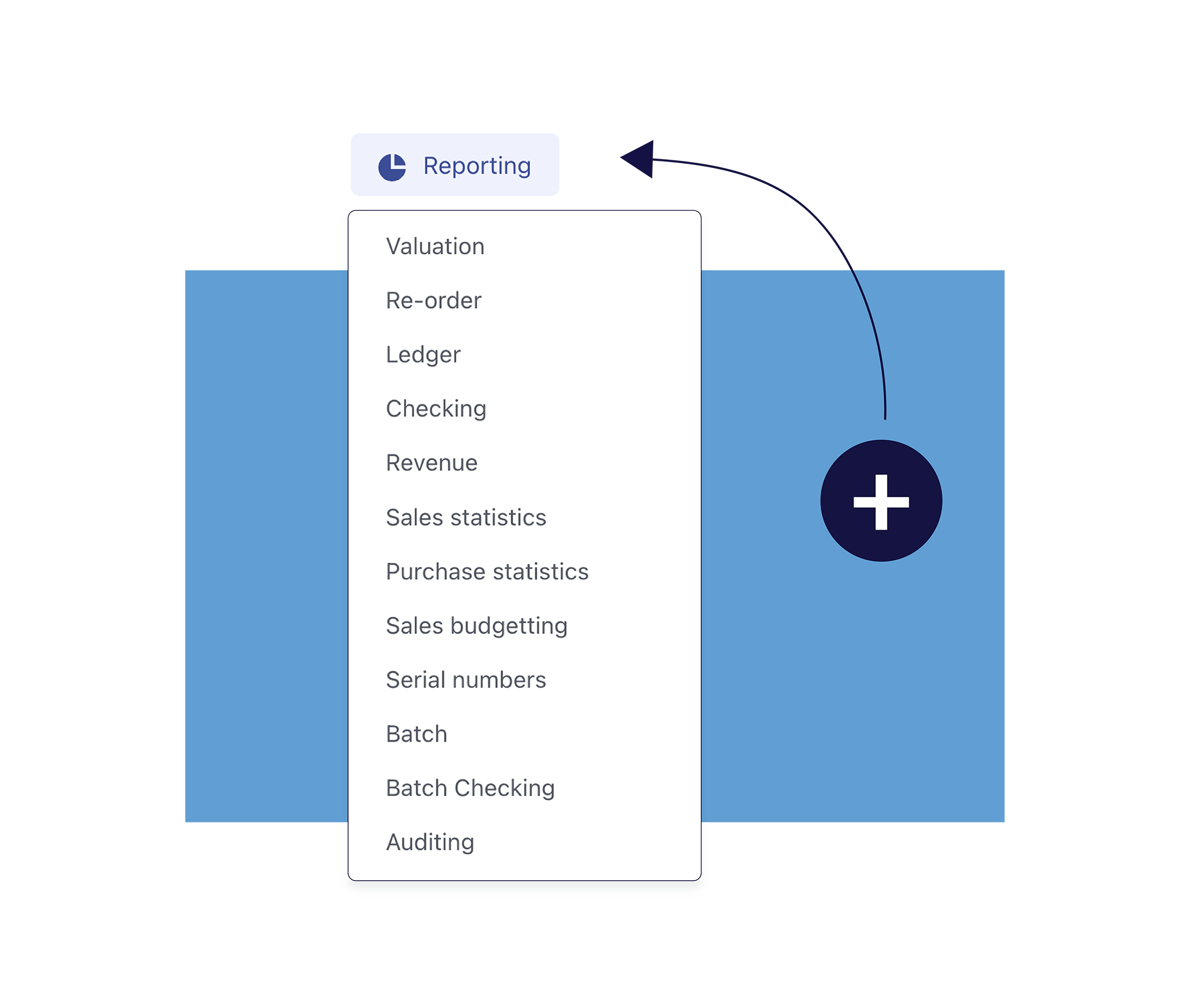
Once your sales budgets are in place, the sales budget report gives you a clear overview of how your actual sales compare to your planned targets.
In the report, you can see:
• How many units you have sold of each item
• What you budgeted to sell in the selected period
• The difference between actual sales and your budget
This makes it easy to identify which items are performing as expected—and which ones may require attention or adjustments in your sales strategy.
Use sales budgets as a planning tool
Sales budgets are not just about reporting—they are a powerful planning tool. By continuously comparing budgeted and actual sales, you can improve forecasting, adjust purchasing decisions, and align sales efforts with your business goals.
With sales budgets in Rackbeat, you get a structured and transparent way to follow up on performance across your product range—without complex spreadsheets or manual calculations.
Important
Sales budgets in Rackbeat are based on quantities sold per item. Budgets are defined per month or selected period and cannot be set on a weekly level.