

















Stock Count

Maintain accurate stock levels with precise counts and full control.


With Stock Count in Rackbeat, you can easily register and adjust your inventory so stock levels and inventory value always reflect reality. Whether you perform regular cycle counts or a full stocktake at year-end, Rackbeat gives you flexible options that fit your workflows.

Stock Count
Cta Image

Stock counting that fits your daily operations

Regular stock counts are essential for accurate inventory management, planning, and replenishment. In Rackbeat, you can choose the method that best suits your business:

1. Stock count via computer: Import counts from Excel or register them manually directly in the system.

2. Stock count with the mobile app
Scan and register items directly from the warehouse floor using your phone—quick and efficient.

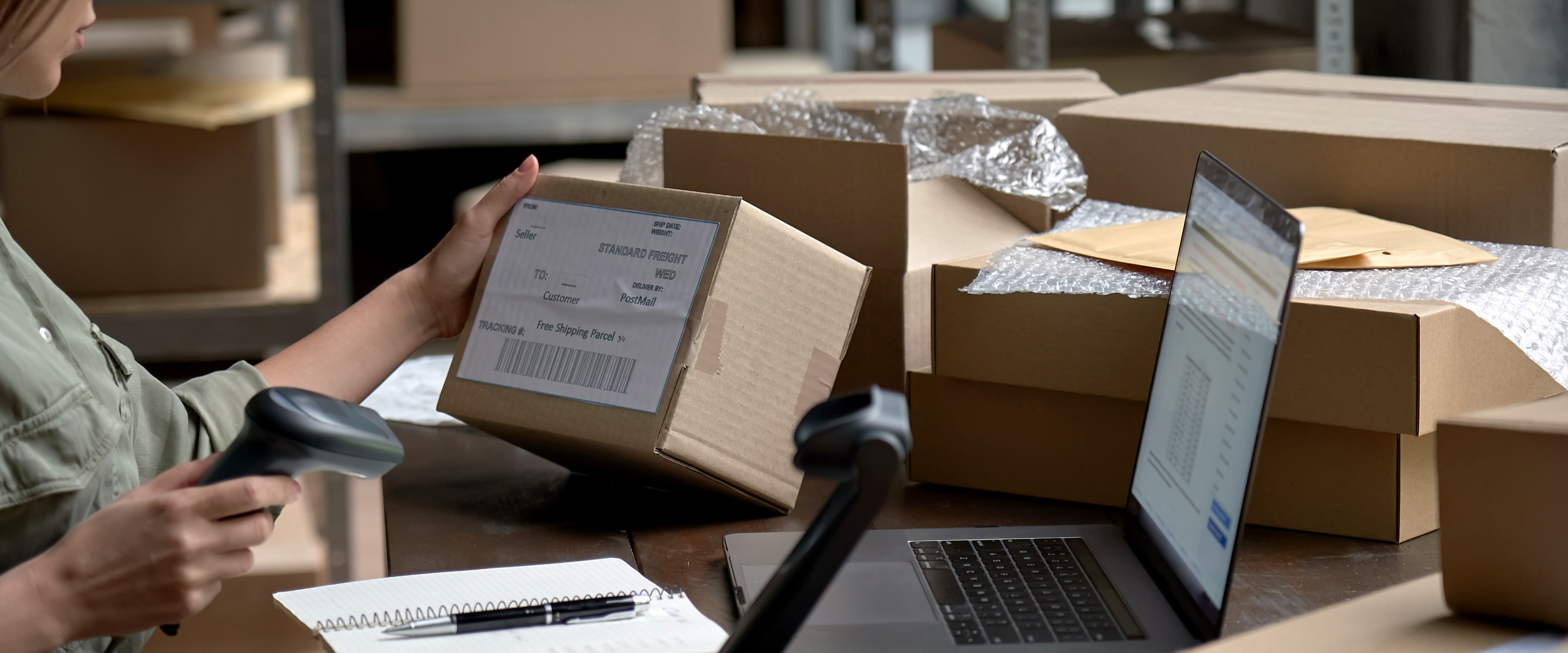
3. Stock count with a handheld scanner
For larger warehouses or faster operations, use a scanner to minimise manual work.

No matter which method you choose, all stock counts are collected in one place and can be posted, adjusted, and documented correctly.

Accurate stock levels and inventory value

Accurate stock levels and inventory value

Once a stock count is completed, your inventory is updated so that:

– stock levels reflect actual quantities

– inventory value is accurate and documented

– discrepancies and adjustments can easily be traced

You can always generate clear stock count reports, track adjustments on item cards, and ensure your inventory provides a reliable foundation for operations, purchasing, and accounting.

In short: Stock Count in Rackbeat gives you confidence, better decision-making, and inventory you can rely on.